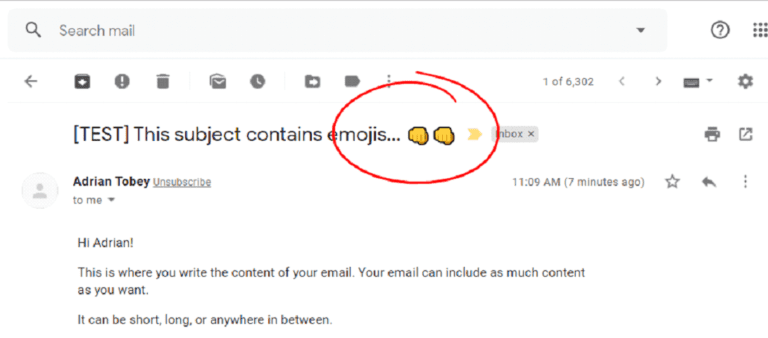
If you’re looking to spice up your email subject lines, emojis is a very popular way to do just that! Follow the instructions below on how to use emojis in email subject lines
Choose the Emoji You Want!
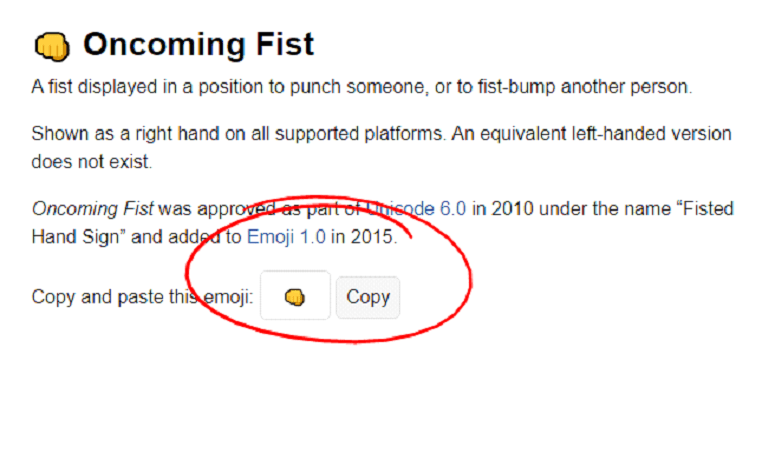
Go to https://emojipedia.org/ to find the emoji you want to use. Once you’ve chosen an emoji copy it to your clipboard by clicking the “Copy” button.
Paste it in Your Email Subject Line
After you’ve copied the emoji, you can paste it into your email subject line.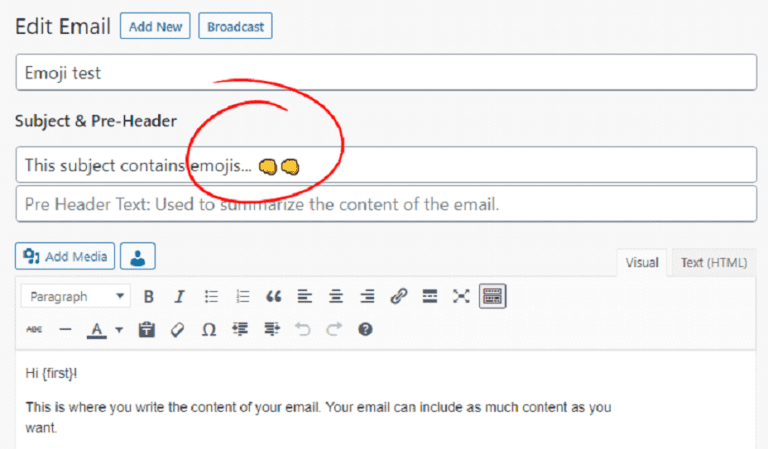
Update and Test!
Simply update your email and send a test to yourself!