
If you want to add contacts to a funnel in bulk, follow these steps:
1. Go to the Editing View of the Funnel
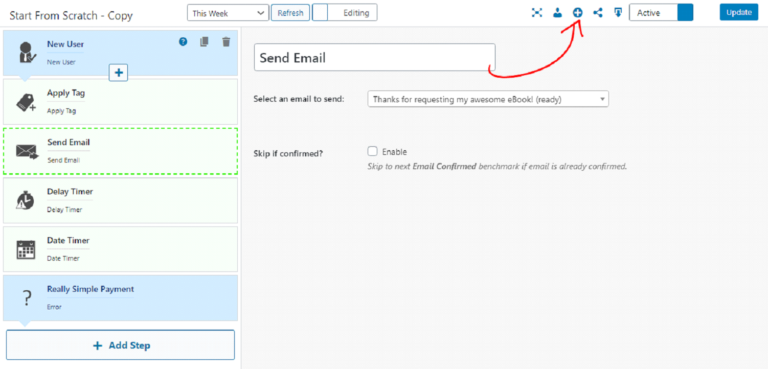
Go to the funnel you want to add the contacts to and open it in editing mode.
2. Click the Little “+” Icon in the Top Right
3. Select Your Contacts
This will bring up a form where you can select which contacts you want to put into the funnel. The search is based on tags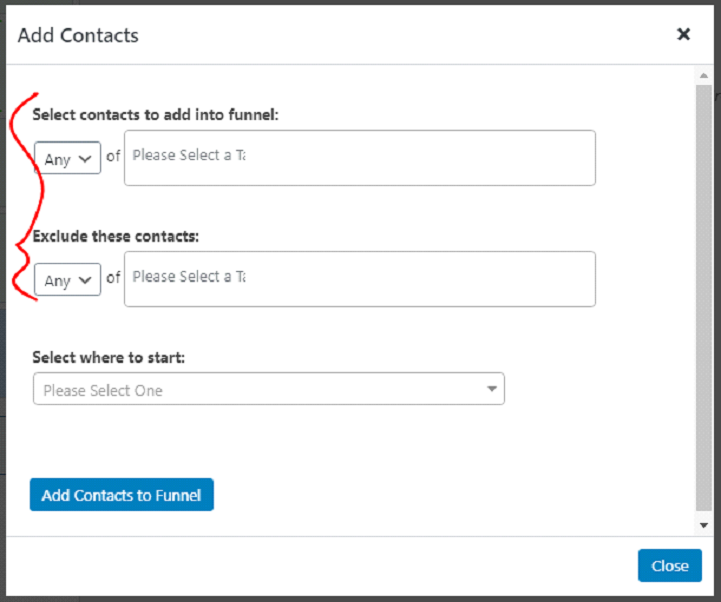
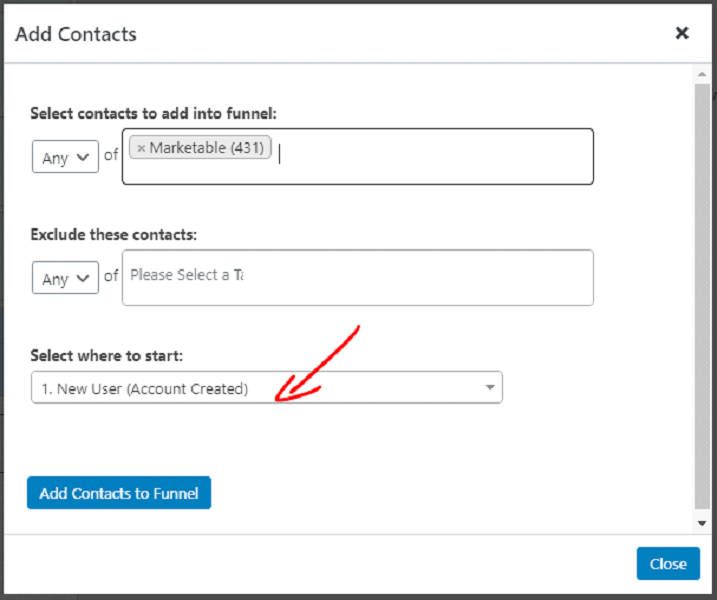
4. Select the Step You Wish to Add Them to
Select where you want to add your contacts into the funnel. You can add them anywhere into the funnel. If you select a benchmark they do NOT have to satisfy the conditions of the benchmark to start there.
5. Click “Add Contacts to a Funnel”
This will add the contacts to the funnel immediately.